

PLAYDASH on your phone: the mobile web app explained
There is no app-store download at the centre of PLAYDASH mobile access. The platform runs as a mobile web app in your browser, with the same account, balance and features as on a computer — and a home-screen icon if you want one.
Why there is nothing to download
PLAYDASH works as a progressive web app (PWA): the interface is delivered through the browser and adapts to Android and iOS screens. Because the site itself is the app, the current version loads automatically every time you open it. There is no package to install, no manual update to apply and no separate mobile account.
| Parameter | Details |
|---|---|
| Format | Mobile web app (PWA) in the browser |
| Compatibility | Current Android and iOS browsers |
| Installation | Not required; optional home-screen shortcut |
| Account | Same login, balance and history as desktop |
| Licence | Anjouan ALSI-202410062-FI2 (offshore, not a Singapore licence) |
Because normal access never involves an APK, a file offered on a third-party website or unofficial app store is a warning sign rather than a shortcut. Such files can contain altered login pages, tracking software or malicious code, and an app that uses the PLAYDASH name is not automatically connected to the real account system. If you are offered an unexpected download link, check it with official support before installing anything.
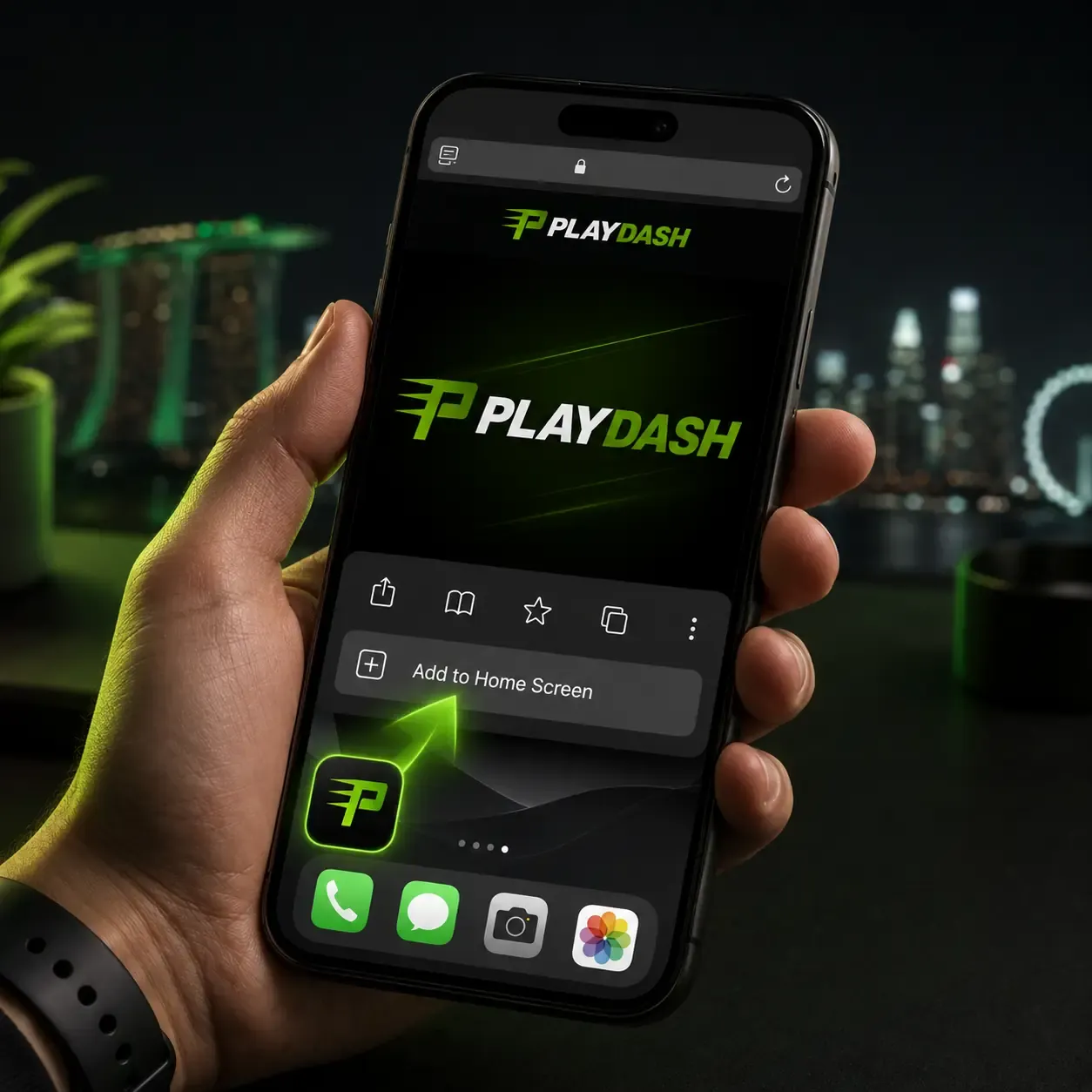
Adding PLAYDASH to your home screen
A shortcut gives one-tap access that feels like an installed app, without an app store.
Android (Chrome)
- Open the official PLAYDASH Singapore site in Chrome
Type the address yourself or use your bookmark.
- Tap the browser menu
The three-dot icon at the top right.
- Choose Add to Home screen
Some browsers call it Install or a similar name.
- Confirm the shortcut
The icon now opens the site directly.
iPhone and iPad (Safari)
- Open the site in Safari
The Share option for shortcuts lives in Safari.
- Tap Share
The square with an upward arrow.
- Select Add to Home Screen
Name the icon and confirm.
The icon simply opens the web version. It does not place an APK on the device, it does not need App Store approval, and it keeps working after the site updates. If you change phones, add the shortcut again on the new device and sign in with your usual details — nothing else moves.
Registering and verifying from a phone
A phone is enough to open an account. Tap Sign Up, enter a phone number or email and create a password, confirm the contact, and deposit when you are ready. Standard sign-up does not ask for identity documents, and the account you create on mobile works on desktop with the same credentials. The login guide covers sign-up, recovery and locked accounts in full.
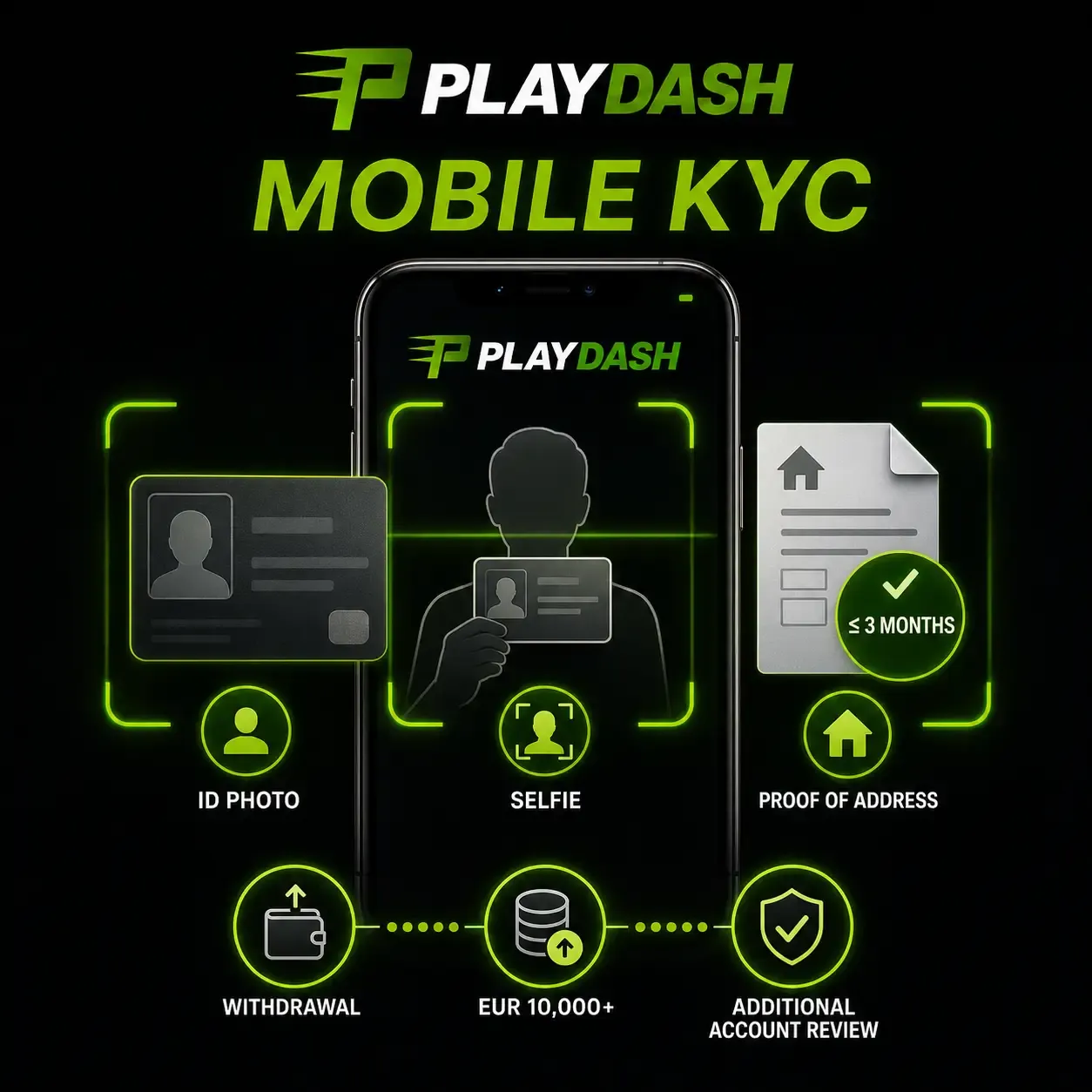
Full verification can be requested when you withdraw, when lifetime deposits exceed the equivalent of EUR 10,000, or when activity needs extra review. The phone camera handles all of it: photograph your ID, take a selfie holding the document, and capture a bank statement or utility bill issued within the last three months. Good light, all four corners visible and no glare will save a resubmission.
What you can play on mobile
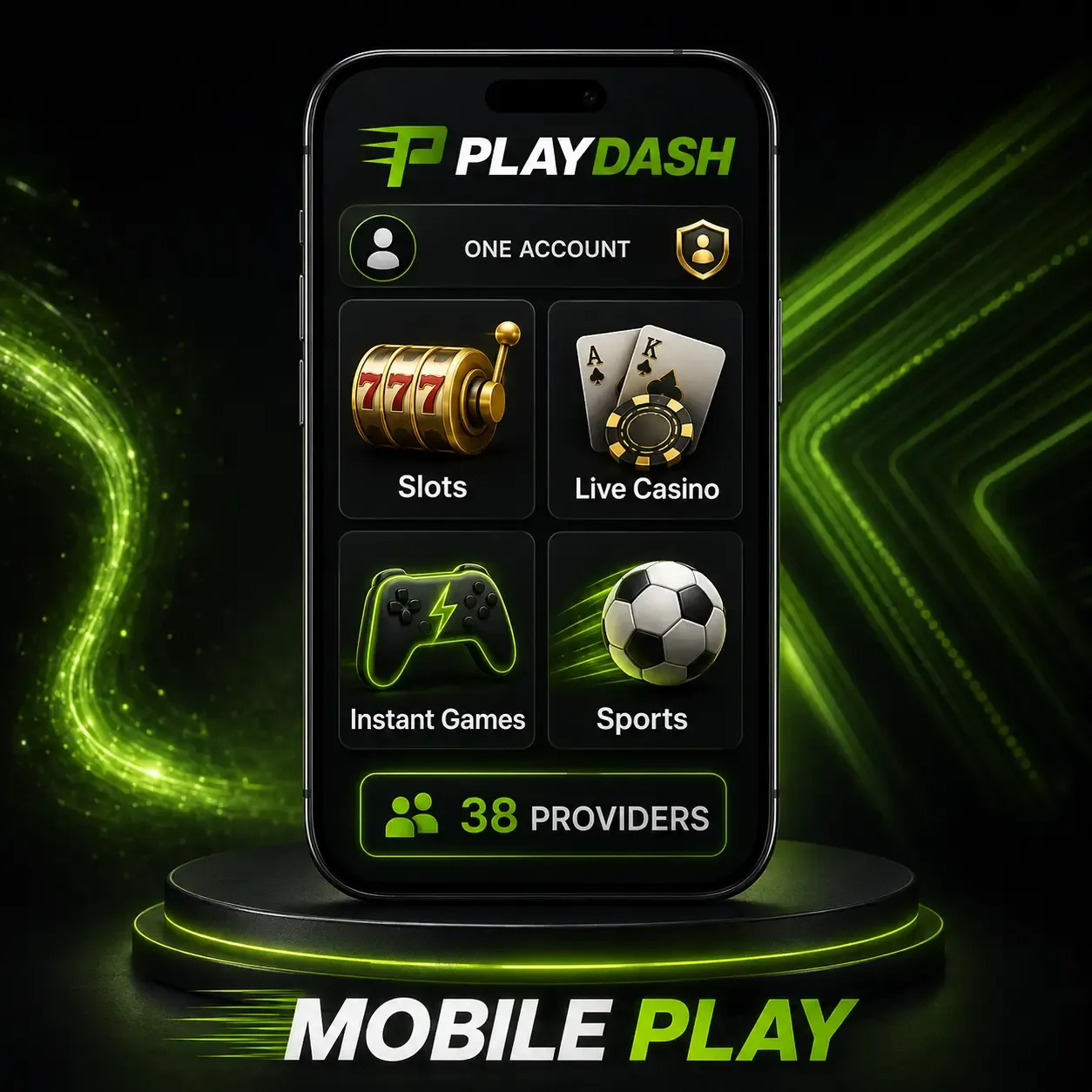
The mobile site carries the main catalogue rather than a reduced selection. Thousands of slots from 38 providers — Pragmatic Play, KA Gaming, Spinomenal and Playtech among the largest — resize for smaller screens and open from the same account. New titles appear through the website, so there is never a game file to install.
Live roulette, blackjack, baccarat and Dragon Tiger stream from studios such as Evolution. Video is the most demanding content on the site: connection quality matters far more than which phone you own, and installing a different app would not improve unstable mobile data. Aviatrix, Chicken Road 2.0 and TVBet suit short sessions and share the same balance as slots.
Short rounds on a phone make it easy to lose track of time and spending. Set your session length and budget before opening the lobby. The games guide explains each category and its providers.
Betting on sports from your phone
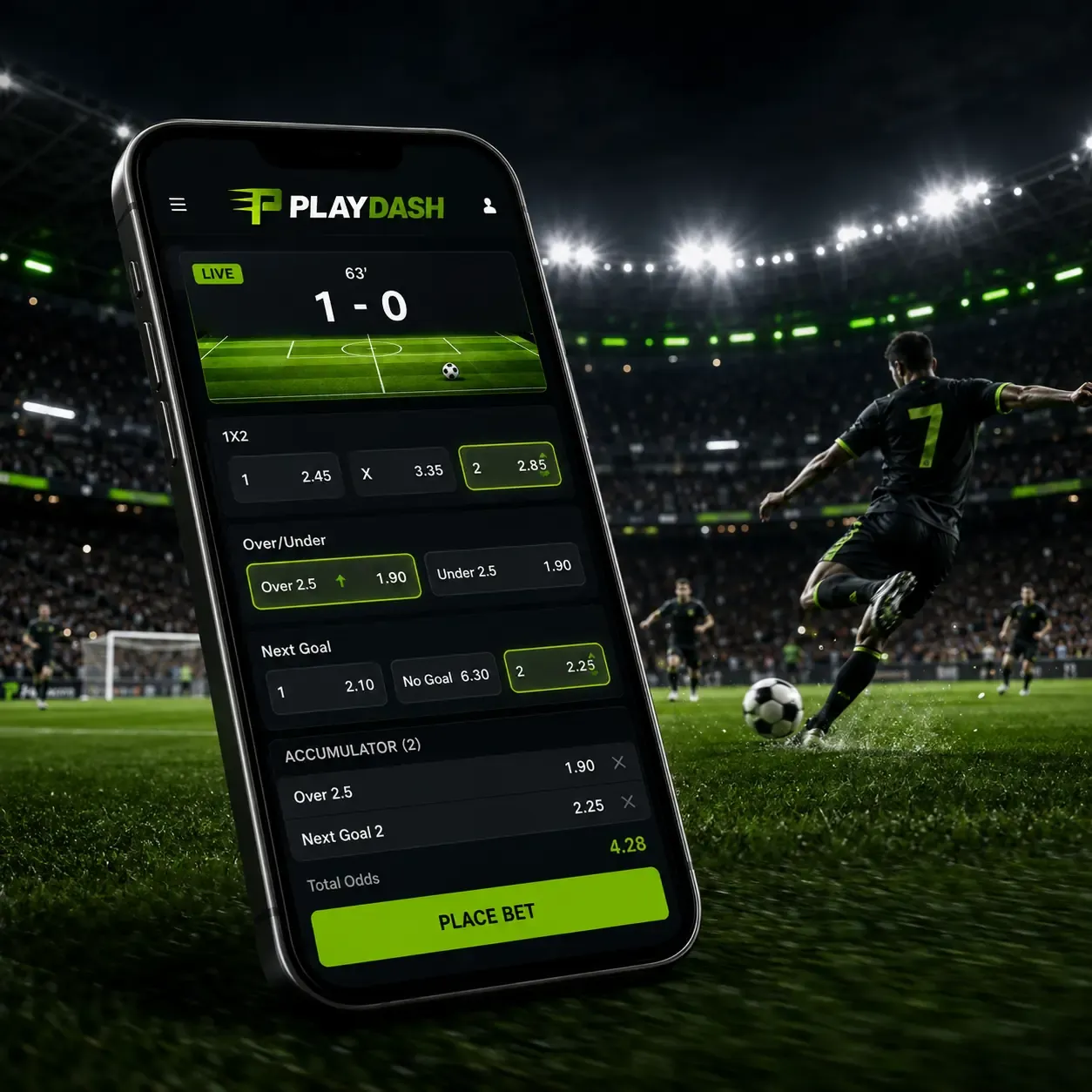
The sportsbook sits inside the same mobile site, so there is no separate betting app. It covers football, basketball, esports, tennis, cricket, badminton, table tennis, volleyball, baseball, kabaddi, hockey and beach volleyball, with quick links to the World Cup, EPL, La Liga, Serie A, Bundesliga and Ligue 1 and a Top Parlay shortcut for accumulator bettors.
During supported live events, scores and odds update as play develops. Moving from pre-match markets to live betting, building the slip and confirming the stake all happen in the same interface. On a weaker connection, check that a bet was accepted before tapping again, so the same wager is not submitted twice.
Claiming bonuses without a computer
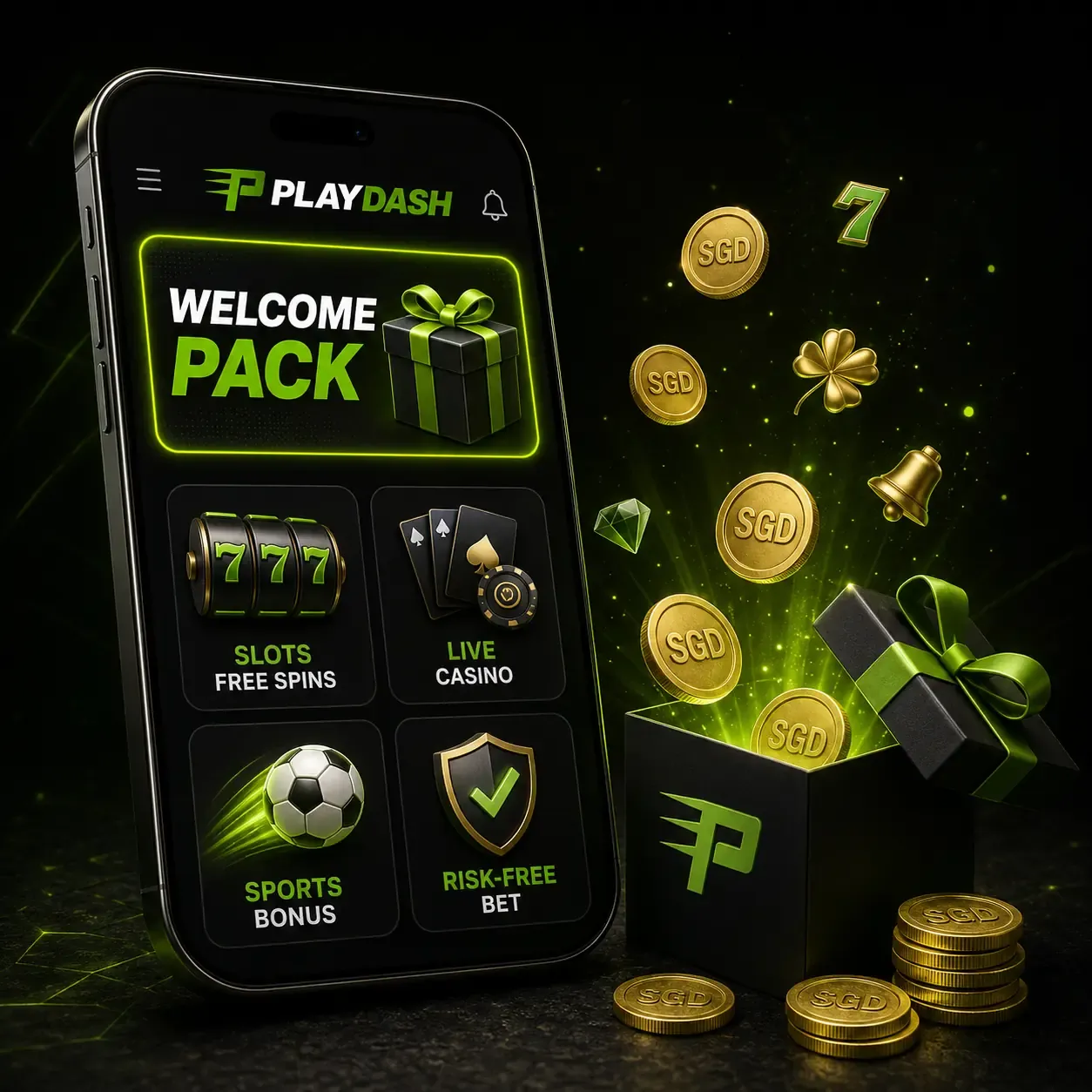
Promotions can be read and activated from the phone. The Welcome Bonuses Pack offers five introductory options — 138x Slots Free Spins, 100% Slots, 100% Live Casino, 100% Sport and a 100% Sport Risk-Free Bet — and the chosen one is claimed with Activate Bonus before its countdown ends. Eligibility belongs to the account, not to a device or download.
Recurring Singapore offers work the same way on mobile: Weekend Slam (58 free spins or a sports free bet of up to SGD 10, 0x wagering), Daily Highlights with up to 188 free spins, and One Day One Loot with up to SGD 8 cash and no wagering. The amount shown in your account when you claim is the one that applies. Full terms are in the bonuses guide.
Deposits and withdrawals on mobile
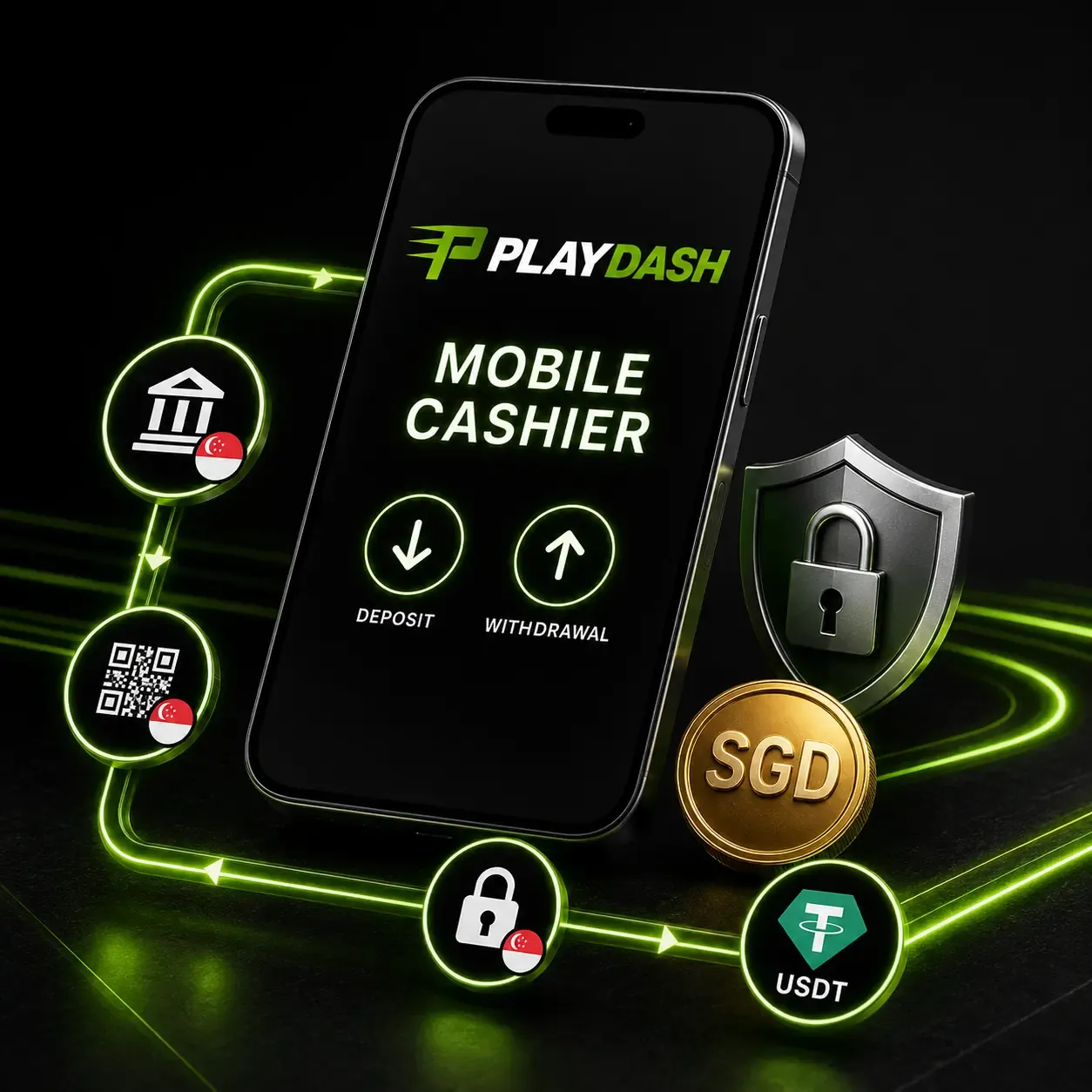
The mobile cashier shows the methods published for Singapore accounts — Sure Pay, Fast Pay, DG Pay, Online Banking, Singapore Local Bank, QR Pay and USDT via TRC-20 or ERC-20 — together with the minimums and limits for your profile. Availability can still vary by account, so rely on what your own cashier lists.
Your bank or wallet may open separately for authentication and then return you to the site. No withdrawal fee is stated, processing time depends on the method and your verification status, and changing devices never changes these rules. See the payments guide for the full workflow.
Fixing common mobile problems
Most mobile issues come from the connection, the browser or device memory rather than the account.
| Symptom | What to try |
|---|---|
| Live stream stutters or drops quality | Move to a stable Wi-Fi network, close other apps and browser tabs, avoid switching networks during a round |
| Page will not load or freezes | Refresh, clear the browser cache, check cookies are enabled, update or switch the browser |
| Game froze mid-round | Check the bet history before refreshing so the same wager is not sent twice; note the game, provider and time for support |
| Older phone runs slowly | Prefer simpler slots over animation-heavy titles and live video; another download will not change hardware limits |
| Shortcut opens the wrong page | Delete it, open the official site directly and add the shortcut again |
Safe mobile habits matter as much as speed: use a screen lock, avoid public or shared devices for payments, prefer a private network, log out after a session on any device other than your own, and check the site address before every login.
Getting help from your phone
Support works the same on mobile as on a computer: 24/7 live chat, the Customer Support menu, the official Telegram channel and the email routes listed in the platform. These channels handle login, verification, deposits, withdrawals and mobile-access questions — and they are the right place to check an unexpected download link before you install anything. No separate support account exists for mobile; your original registration details stay linked to the same profile.
A phone also makes evidence easy to gather. Screenshots of an error message, a pending transaction or a qualifying promotion result can be attached in chat; just crop out passwords, verification codes and full payment details first. Some promotions, such as the scatter challenge, are actually claimed this way — with a screenshot submitted through live chat.
Questions
Is there an official PLAYDASH APK or app-store app?
No APK or app-store package is part of normal access. PLAYDASH runs in Android and iOS browsers, and you can add a home-screen shortcut instead.
Is my account the same on phone and computer?
Yes. Balance, account details and betting history stay with the login, not the device.
Will PLAYDASH run on my phone?
Most current Android and iOS devices with an up-to-date browser handle it. Older phones may be slower with live video, which another download would not fix.
Can I verify my identity from my phone?
Yes. ID photos, the selfie with your document and proof of address can all be photographed and uploaded from the mobile site.
Is there an age limit on mobile?
The same rule applies everywhere: real-money access for Singapore accounts is for players aged 21 and over, whether you use the browser or a shortcut.
Setting up mobile access the right way
The safest mobile setup is also the simplest: open the official site in an up-to-date browser, sign in with your usual credentials and save a home-screen shortcut so you never need to search for the address again. Skip any APK offered elsewhere.
Before a longer session on the phone, decide on your budget and stopping time — quick rounds and live markets move faster on a small screen than they seem to.