

PLAYDASH payments: deposits and withdrawals for Singapore players
Every payment at PLAYDASH runs through the cashier inside your account, which shows the methods, currency and limits that apply to you. This guide explains the deposit and withdrawal workflow, the published platform figures, and what usually causes a delay.
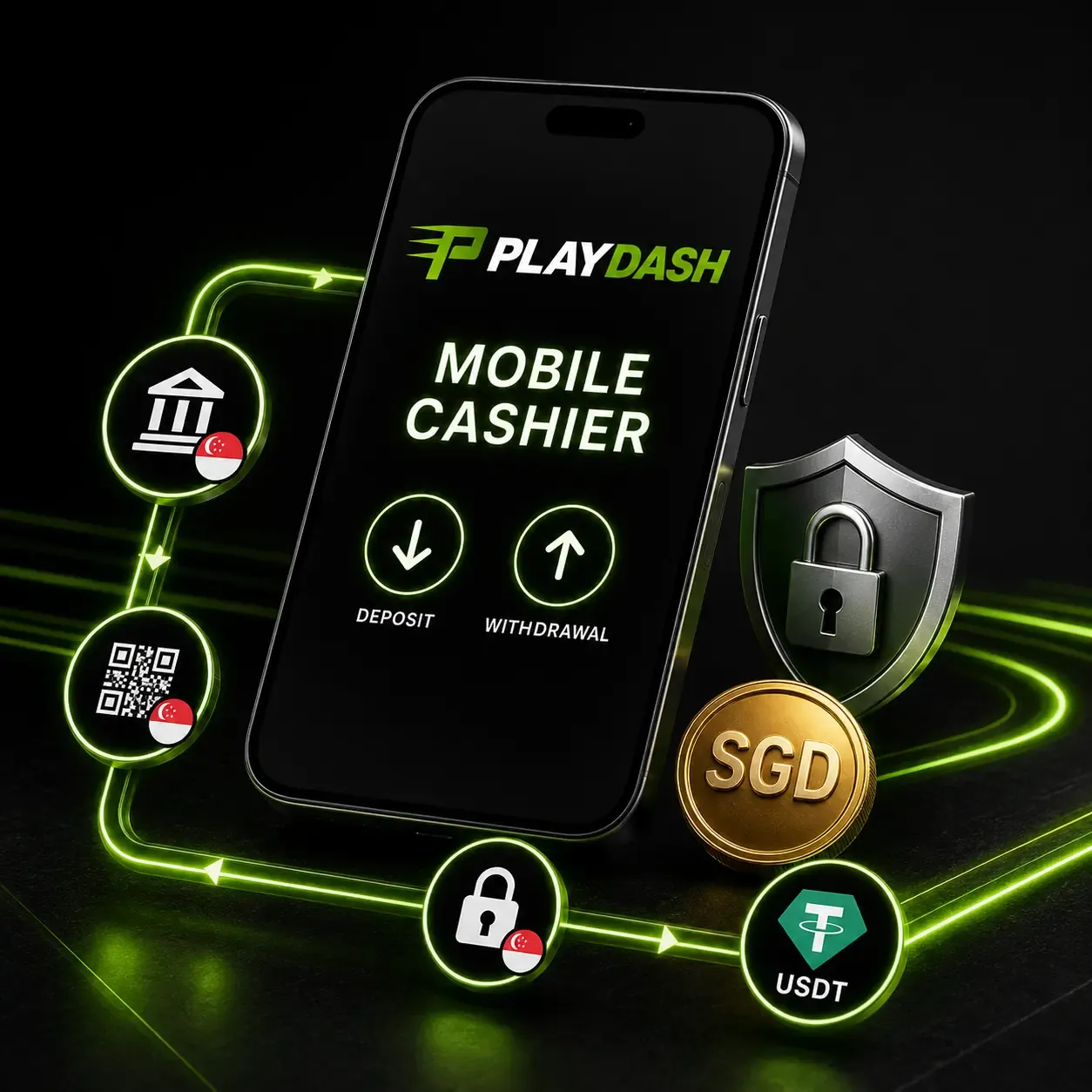
The cashier decides what applies to you
Payment options can depend on location, the account currency and which payment providers are integrated, so the list you see after signing in is the one that counts. A service that is common in Singapore is not automatically supported by the casino: if PayNow, a particular card or a wallet does not appear in your cashier, it is not available for that account.
Methods published for Singapore accounts include:
- Online Banking and Singapore Local Bank transfers, approved inside your bank’s environment;
- QR Pay and local e-wallet style options shown in the cashier;
- Sure Pay, Fast Pay and DG Pay;
- USDT on the TRC-20 or ERC-20 network.
Licensed payment gateways — TruePay, SurePay, FastPay and DGPay — process supported local transactions.
Account currency and conversion
The currency is chosen in the currency field during registration and shown again in the cashier. Check it before your first deposit: no procedure for changing the currency of an existing account is described, and opening a second account to get a different currency breaks the one-account rule. If the expected option is missing, contact support before paying.
When your bank or wallet pays in one currency and the account holds another, the provider converts the amount and may add its own fee, so the credited figure can differ slightly from what left your bank. Several platform limits are defined as “the equivalent of” a stated amount in the currency of the gaming account, which is why the reference figures below are published in MYR with an approximate SGD value alongside.

Making a deposit
- Open the cashier and choose a method
Only methods shown for your account can be used.
- Check the account currency
Make sure it matches what you expect to be charged in.
- Enter an amount within the displayed limits
Split a large amount if the method has a lower ceiling.
- Activate a bonus first if needed
Some offers, such as Weekend Slam, must be activated before the qualifying deposit.
- Review fees and crediting time
Provider fees and timing are shown with the method.
- Approve the payment
Confirm in your banking app, wallet or crypto network.
- Check the balance and status
Successful deposits are stated to credit immediately.
Payment checklist
Before you approve a payment, confirm:
- the minimum and maximum for the method;
- the currency shown in the cashier;
- any payment-provider fee;
- the crypto network you selected, if paying in USDT;
- whether a bonus is active and what it requires;
- whether the same method can later be used for withdrawal;
- that the payment account is in your own name.
Bank authentication takes place inside your own banking application, so PLAYDASH never needs your banking password. Never share passwords, PINs or one-time codes with anyone, including people claiming to be support.
Choosing a payment method
| Route | How you approve it | Things to know |
|---|---|---|
| Online Banking / Singapore Local Bank | Inside your bank’s own app or website | Account name must match your profile; ceilings per transaction apply |
| QR Pay and gateway options (Sure Pay, Fast Pay, DG Pay) | Scan or confirm in your banking or wallet app | Check whether the same route supports withdrawals before relying on it |
| USDT (TRC-20 / ERC-20) | Send from your own crypto wallet on the selected network | Only route to a crypto withdrawal; network fees vary by chain |
The best method is usually the one you can also withdraw to. Some routes accept deposits but not withdrawals, and PLAYDASH may require a withdrawal route linked to your original deposit, so check both directions in the cashier before your first payment rather than after a win.
Paying with USDT
USDT is supported on two networks, TRC-20 and ERC-20. The network you choose in the cashier must match the network you send from; sending on the wrong network can mean the transfer does not arrive. Network fees are set by the blockchain, not by PLAYDASH, and differ between the two.
Crypto withdrawals depend on crypto deposits. USDT withdrawal is available only if you previously deposited in cryptocurrency. A bank or e-wallet deposit does not unlock a later crypto cash-out, so choose your first funding route with your future withdrawal in mind.
Platform reference limits
Your cashier shows the limits for your account. The platform also publishes reference figures in MYR; approximate SGD values are given for orientation.
| Item | Published figure | Approx. SGD |
|---|---|---|
| Minimum deposit | MYR 30 | ≈ SGD 10 |
| QR deposit range per transaction (DuitNow QR rail) | MYR 30–10,000 | ≈ SGD 10–3,100 |
| Bank transfer ceiling per transaction | MYR 30,000 | ≈ SGD 9,400 |
| Cryptocurrency deposit ceiling | MYR 50,000 | ≈ SGD 15,700 |
| Minimum withdrawal | MYR 50 | ≈ SGD 16 |
| Daily withdrawal cap | 5 requests or MYR 50,000, whichever comes first | ≈ SGD 15,700 |
| Maximum payout from one bet | MYR 500,000 | ≈ SGD 157,000 |
SGD values are approximate conversions and move with exchange rates. The DuitNow QR rail is a Malaysian method used here only to illustrate the per-transaction range; the minimums and maximums in your Singapore cashier are the ones that apply.
Two of these figures shape larger transactions. If a method’s ceiling is lower than the amount you want to deposit, the deposit has to be split. The single-bet payout ceiling applies to the result of one wager, not to your total balance; separately, combined accumulator odds are capped at 2,000.
Requesting a withdrawal
PLAYDASH states that no withdrawal commission is charged; any fee would be shown with the method in the cashier. The platform describes eligible withdrawals as completing within around 10 minutes of a qualifying request, but that timing assumes verification is already finished and the payment details are correct — processing still depends on the method and the payment provider, so it is not a guarantee.
Each account can submit up to five withdrawal requests per day, or withdraw up to the daily value cap, whichever is reached first. The counter resets at 08:00 UTC+8. Singapore is also on UTC+8, so the reset is at exactly 08:00 local time; a large withdrawal may need to be spread across more than one day, and submitting soon after the reset gives you the full allowance for the new cycle.
Withdrawal steps
- Complete verification
KYC is compulsory before any withdrawal.
- Open the withdrawal section
From the cashier on desktop or mobile.
- Choose an eligible method
Often the route linked to your original deposit.
- Enter the amount
Within your account’s minimum and the daily cap.
- Check the payment details
Bank account, wallet or network address in your name.
- Submit and track the status
Watch account notifications for updates.
Verification and withdrawals
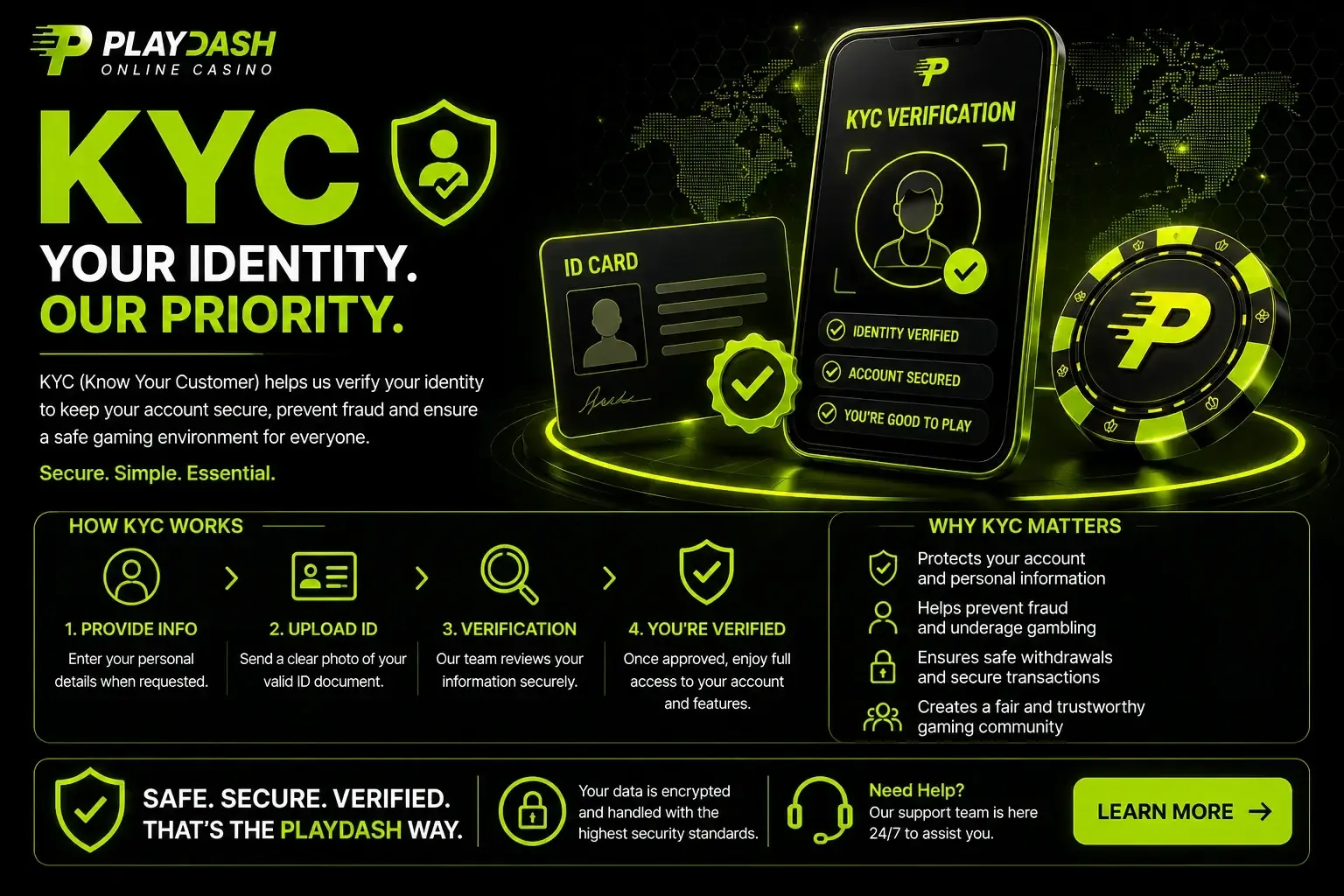
Withdrawals are one of the triggers for full KYC, alongside lifetime deposits above the equivalent of EUR 10,000 and suspicious activity. Until the check is approved, money cannot be released, even if the payment rail itself is fast.
Expect to provide a government-issued photo ID, a selfie holding it, a bank statement or utility bill from the last three months, and — when asked — proof that the payment method is yours. The name on the payment account should match the PLAYDASH profile; deposits from another person’s bank account, wallet or card are a common reason for problems at withdrawal.
A failed check produces a ticket with a written reason, and you can resubmit corrected documents. Transactions are also monitored under three AML risk levels (SDD, CDD and EDD), and a transaction considered suspicious can lead to a full verification request before payment. The login guide’s verification section covers document quality in detail.
Why a payment can be delayed
A pending status is not a rejection. Most delays trace back to one of a few causes.
| Cause | What to do |
|---|---|
| Verification not finished | Upload the requested documents and wait for approval |
| Bonus wagering still active | Check the promotion card; finish or forfeit the bonus under its rules |
| Profile name differs from payment owner | Use a payment method in your own name |
| Incorrect bank, wallet or network details | Correct the details and resubmit |
| Request above the available limit | Reduce the amount or wait for the 08:00 reset |
| Method supports deposits only | Choose another eligible withdrawal route |
| Additional AML review or provider delay | Wait for notifications, then contact support with the reference |
Check the transaction status and account notifications first. If nothing explains the delay, contact support through live chat with the amount, method, request time and transaction reference, plus a screenshot that hides passwords, codes and full payment credentials. Live chat suits quick status checks; email is better for complaints and anything that needs a written record.
How payments are protected
Traffic to the platform is protected with 256-bit SSL encryption. Bank approval takes place inside your own banking application, so banking credentials and full card numbers are not passed through the casino during confirmation, and complete card details are not stored. Transactions run through licensed gateways and are monitored under AML procedures, and transaction records are retained in line with financial compliance requirements.
Your side of the arrangement matters as much: pay only from accounts in your own name, avoid public Wi-Fi and shared devices for cashier activity, keep your phone’s operating system and browser updated, and avoid unknown browser extensions or remote-access tools while making payments. Report any transaction you do not recognise to support straight away.
Keeping track of your transactions
The account history can be filtered by date range and by payment, sport or casino. For any payment question, open the matching entry and note the amount, status and reference; keep that record until PLAYDASH confirms the case is closed rather than relying only on a bank notification.
Transaction history is also a useful self-check. Reviewing deposits weekly shows quickly whether spending is staying inside your plan — and if it is not, deposit limits and cooling-off periods are available in the account. The responsible gambling guide explains how to use them.
Questions
Which payment methods can I use from Singapore?
Methods published for Singapore accounts include Online Banking, Singapore Local Bank, QR Pay, Sure Pay, Fast Pay, DG Pay and USDT on TRC-20 or ERC-20. Your own cashier shows what is available to your account.
Is PayNow supported?
Only if it appears in your cashier. A service being common in Singapore does not mean the casino has integrated it.
Is there a withdrawal fee?
No withdrawal commission is stated. Your bank, wallet or the blockchain may still charge its own fee.
When does the daily withdrawal limit reset?
At 08:00 UTC+8, which is 08:00 Singapore time. The cap is five requests or the daily value limit, whichever comes first.
Can I withdraw in USDT if I deposited by bank transfer?
No. Crypto withdrawal is available only to players who previously deposited with cryptocurrency.
Can I deposit from someone else’s bank account?
Avoid it. The payment account should belong to the person named on the PLAYDASH profile; third-party payments commonly cause problems during verification and withdrawal.
How fast is a verified withdrawal?
The platform describes eligible withdrawals as completing in around 10 minutes once verification is done and details are correct; method and provider processing can still affect timing.
A payment routine that avoids most problems
Use one payment method in your own name, check the currency and limits in the cashier before the first deposit, and finish verification before you need to withdraw. If you prefer USDT for cash-outs, fund with USDT from the start and double-check the network every time.
Only deposit money you have set aside for entertainment. A withdrawal is never guaranteed by a deposit, and no payment route changes the odds of the games you play.