
PLAYDASH login and account guide for Singapore
Your PLAYDASH login is simply the phone number or email you registered plus your password. This guide covers the first sign-in after registration, everyday access on desktop and mobile, what to do when access fails, and how verification fits in.
What you need to sign in
There is no separate username. The contact detail you register with becomes half of your login.
| Access detail | What you need |
|---|---|
| Login ID | The phone number or email registered on the account |
| Password | The password created during sign-up |
| Separate username | Not required |
| Mobile login | Same credentials as desktop |
| Verification code | Entered when the site requests one |
| Minimum age | 21 and over for real-money play on Singapore accounts |
Because the same credentials work everywhere, one login gives you the casino, the sportsbook, Promotions, the cashier and your VIP progress. Keep access to the phone number or email you registered: it is the route PLAYDASH uses for password recovery, and losing it turns a forgotten password into a longer support case.
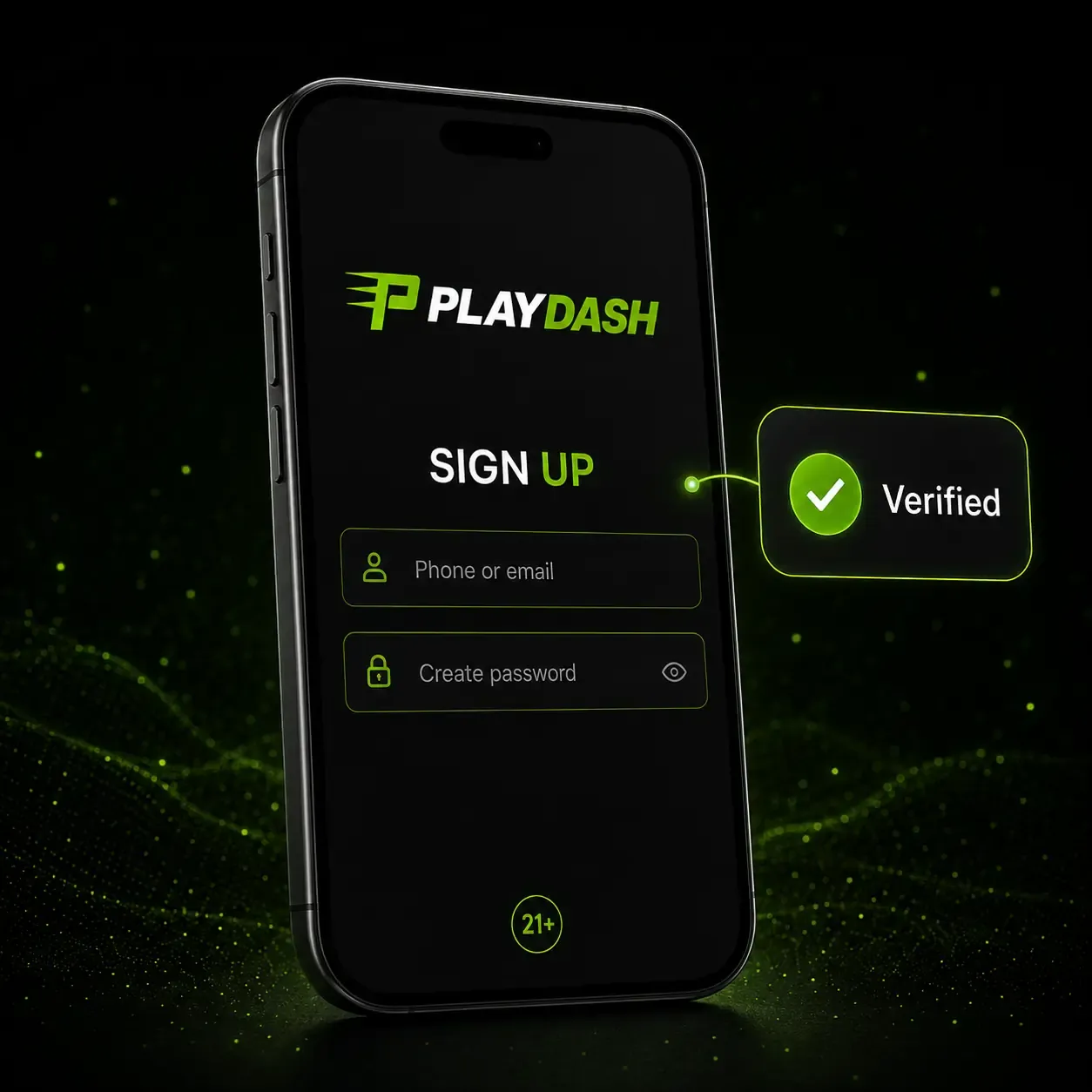
Registering before your first login
Your login credentials do not exist until registration is complete. Sign-up takes about a minute and asks for contact details, not documents:
- Tap Sign Up
Open the official site yourself rather than a link from a chat or advert.
- Enter a phone number or email and create a password
Pick a contact you expect to keep for years.
- Confirm the phone number or email
Enter the code or follow the confirmation step to prove the contact is yours.
- Make a deposit and start playing
Check the account currency and cashier limits before the first payment.
Confirming contacts and one account per player
Contact confirmation is the step that connects registration to full account use, and it matters later: a typo in the email or phone number at this stage can make a simple password reset difficult. Confirming both the phone number and the email address also completes a small platform task that awards 10 free spins with no wagering requirement; if the spins do not appear after successful confirmation, ask support.
Only one account is allowed per player. Profiles linked through the same device, IP address or payment method can be treated as duplicates, which can lead to lost rewards or restrictions. If you cannot get into an existing account, recover it — never register again.
Everyday sign-in on desktop and mobile
The routine is identical on every device, and your balance, history and settings follow the account rather than the phone or computer.
On a computer
- Open the verified PLAYDASH Singapore site
Type the address or use a saved bookmark.
- Enter your phone number or email, then your password
Use the same contact you registered with.
- Press Log In
Enter a verification code if one is requested.
On a phone
Open the site in an up-to-date Android or iOS browser, or tap your home-screen shortcut, and enter the same details. There is no separate mobile casino account and no second registration for the sportsbook. The mobile access guide explains how to set up the shortcut.
A successful login returns you to the existing profile: balance, open and settled bets, active bonuses, Target Progress points for VIP, and the cashier. Sign out when you finish on a shared or secondary device; unused open sessions are an unnecessary risk.

Setting up security from the start
Use a password that exists only on PLAYDASH — not one shared with your email, social media or another gambling site. Longer is better, and a mix of upper- and lower-case letters, numbers and symbols makes guessing harder. Nobody handling a genuine support request needs to know it.
Fake login pages are the most common way accounts are taken over. Open the site yourself instead of following links from messages, adverts or unofficial social profiles, and check the address before entering credentials. Treat any email, chat or Telegram message that asks for your password, PIN or verification code as suspicious, however official it looks.
Protect the registered email account too: password-recovery messages go there, so whoever controls that inbox can reset your PLAYDASH password.
When the login does not work
Most failed logins come from three situations: a forgotten password, a page that will not load, or a temporary restriction on the account.
You cannot remember the password
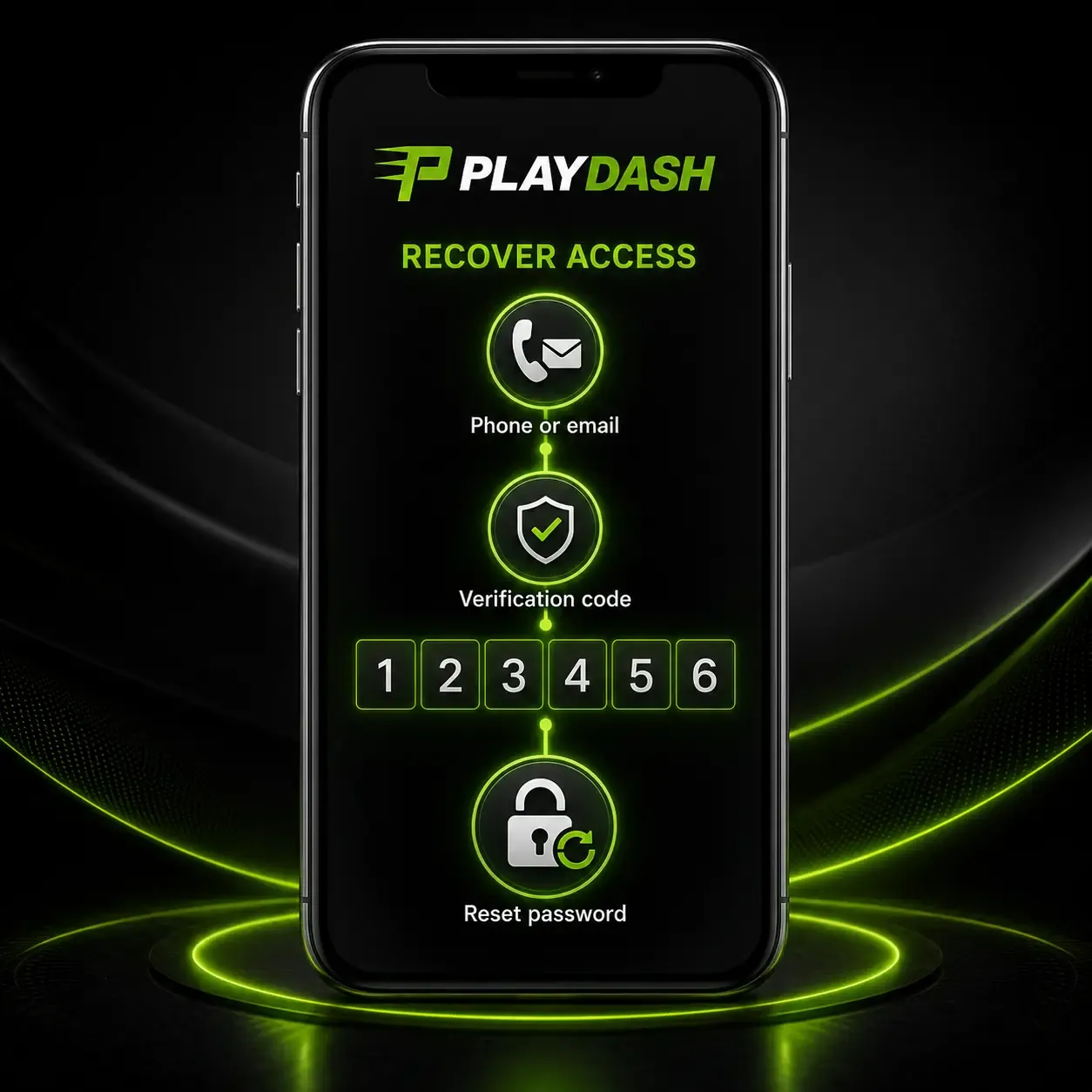
Before resetting, check the keyboard language, Caps Lock and any saved autofill entry that might be out of date. Then use the password-recovery function linked to the phone number or email you registered; a verification code is sent to that contact. After resetting, return to the normal login page. If recovery fails — for example because you no longer have the registered number — contact live chat rather than starting a new registration.
The page freezes or will not load
- refresh the page, or reopen an old login tab;
- check that Wi-Fi or mobile data is stable;
- make sure cookies are enabled;
- clear the browser cache;
- try another current browser or restart the browser;
- test the same login on another device.
A loading problem does not mean the account is blocked, and repeating registration will not fix a browser error. If the site works on another device, your existing credentials are fine.
The account is temporarily locked
| Situation | What normally happens |
|---|---|
| Negative balance after a bet is recalculated | Deposit at least the missing amount to restore normal use |
| Failed verification | A ticket explains what to correct; resubmit corrected documents |
| Suspected account compromise | Contact support immediately |
| Password-recovery problem | Use the linked phone or email, or live chat |
| Self-exclusion | The account closes after final settlement; any return is at the operator’s discretion |
Wait until the underlying cause is resolved instead of retrying the login repeatedly. Support can tell you the recorded reason for a restriction if it is not clear from the notification.
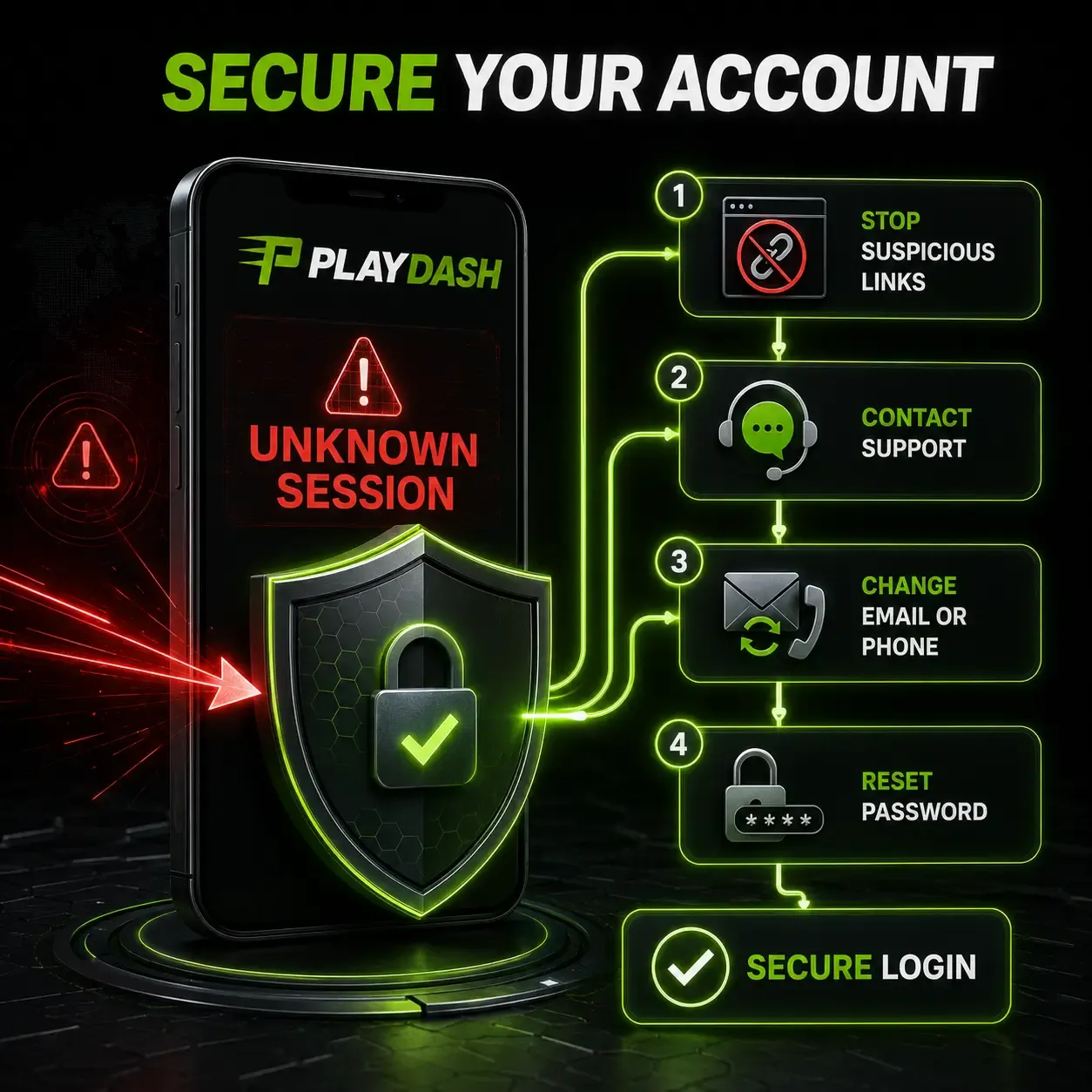
If someone else may have accessed your account
Under the account terms, an operation confirmed with the correct login and password is treated as made by the account owner, and the operator does not accept responsibility for credentials you have disclosed to another person. That is why an unfamiliar session or transaction needs action straight away.
- Stop using suspicious links
Close any page you reached from a message.
- Contact support immediately
Report the unfamiliar sessions or transactions you can see.
- Change the registered contact if needed
Ask support to update the email or phone number linked to the account.
- Reset the password
Choose a new password that you have never used elsewhere.
- Sign in again only once the account is secure
Do not open a replacement account unless support specifically tells you to.
Verification: when PLAYDASH asks for documents
KYC is separate from sign-up. It confirms your identity, age, address and ownership of the payment method before money leaves the account.
You can register, browse and make a first deposit without uploading anything. Full verification becomes mandatory when any of these apply:
- you request a withdrawal;
- total lifetime deposits exceed the equivalent of EUR 10,000;
- suspicious account or transaction activity is detected.
A full check can include:
- a photo of a valid government-issued identity document;
- a selfie of you holding that document;
- proof of address — a bank statement or utility bill issued within the previous three months;
- evidence that the payment method belongs to you, when requested.
Everything can be photographed and uploaded from a phone. Send documents only through the account or a confirmed support channel, never to a social-media page. Completing verification also unlocks a Verification Quest reward of 10 free spins under its campaign conditions.
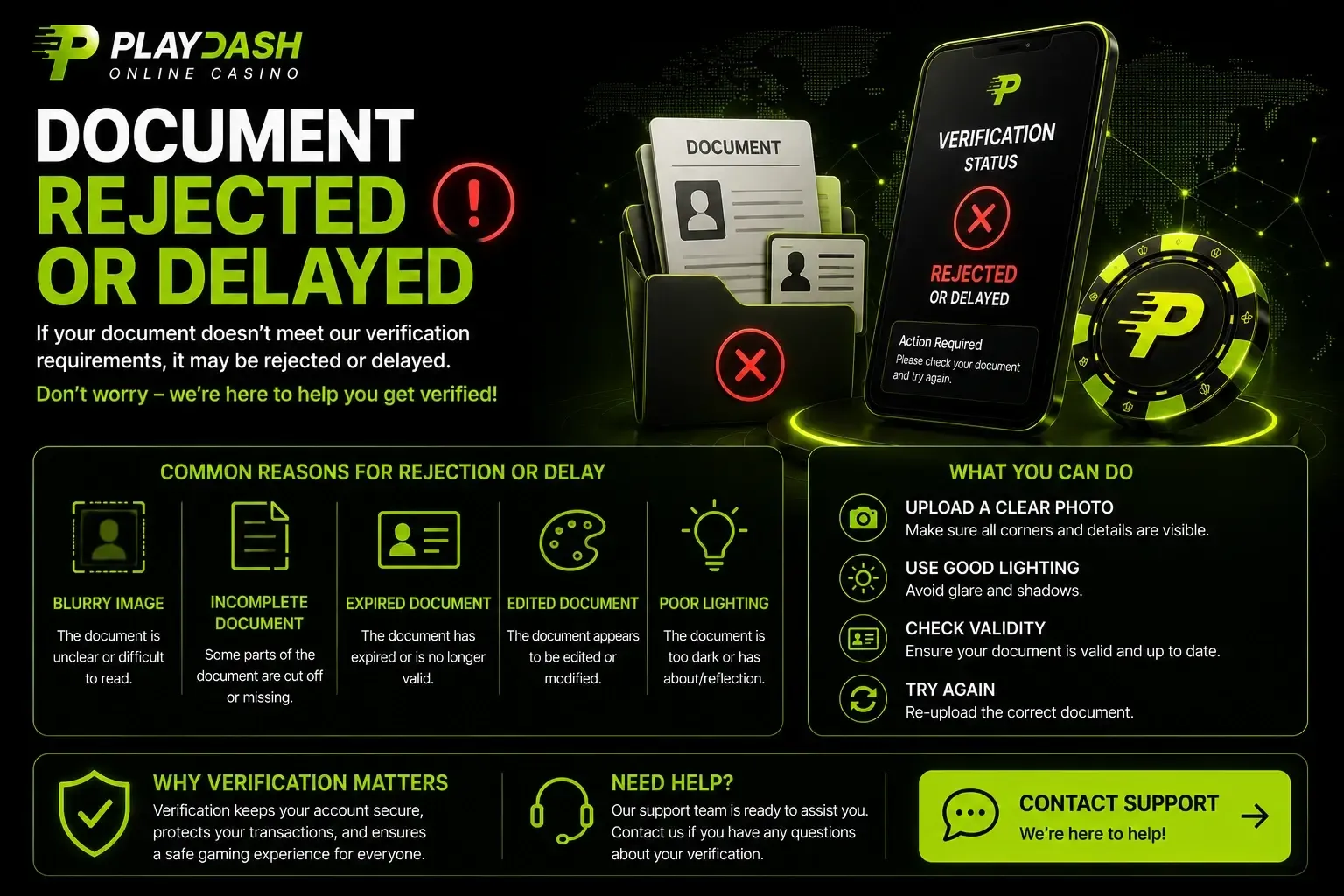
Make sure all four corners of the document are visible, avoid glare, check the expiry date and keep the name identical to the one on your profile and payment account. The payments guide explains how verification interacts with withdrawal timing.
What the login gives you access to
-
Cashier
Deposit and withdrawal methods for your account, including Singapore banking options and USDT, with the limits shown for your profile.
-
Promotions and VIP
Active bonuses, the countdown on the Welcome Pack and your Target Progress points for VIP levels.
-
History
Open and settled bets, game sessions and transaction records with references you can quote to support.
For transaction or game questions, keep the reference until PLAYDASH confirms the case is closed. History sections can usually be filtered by date range and by payment, sport or casino, and a round reference helps support locate a disputed live-table result.
Getting help with access problems
Support is reachable in the same way from a phone or a computer: 24/7 live chat, the Customer Support section of the menu, the official Telegram channel and the email routes listed in the platform. Support communication is handled in English.
Say clearly whether the problem concerns the password, the registered phone or email, verification or a restriction, and include the registered contact and the approximate time of the failed attempt. A screenshot of the error helps, as long as it hides passwords, codes and payment credentials. No legitimate agent will ask for your password.
Questions
Is there a separate username?
No. You sign in with the phone number or email registered on the account and your password.
I forgot my password. Should I create a new account?
No. Use password recovery through the registered phone or email, and contact live chat if that fails. A second account can breach the one-account rule.
Can I use the same login on my phone and computer?
Yes. The same credentials work on every compatible device, and balance and betting history stay with the account.
Will support ever ask for my password?
No. Treat any message asking for your password, PIN or verification code as suspicious and open the site yourself instead.
Do I need documents to register?
No. Documents are requested later — before a withdrawal, after lifetime deposits pass the EUR 10,000 equivalent, or if suspicious activity is detected.
Why was my verification rejected?
Usually because an image was blurred, cropped or glared, the document had expired, or the name did not match the profile. The ticket you receive explains what to correct.
Keeping access simple
Most login trouble is avoided by three habits set up on day one: register with a phone number or email you will keep, use a password that exists nowhere else, and always reach the site directly rather than through a link in a message. When something does go wrong, recover the existing account through password recovery or live chat — never by registering again.
If you plan to withdraw soon, complete verification early so a document query does not hold up your first payout.